
| Options | Description |
|---|---|
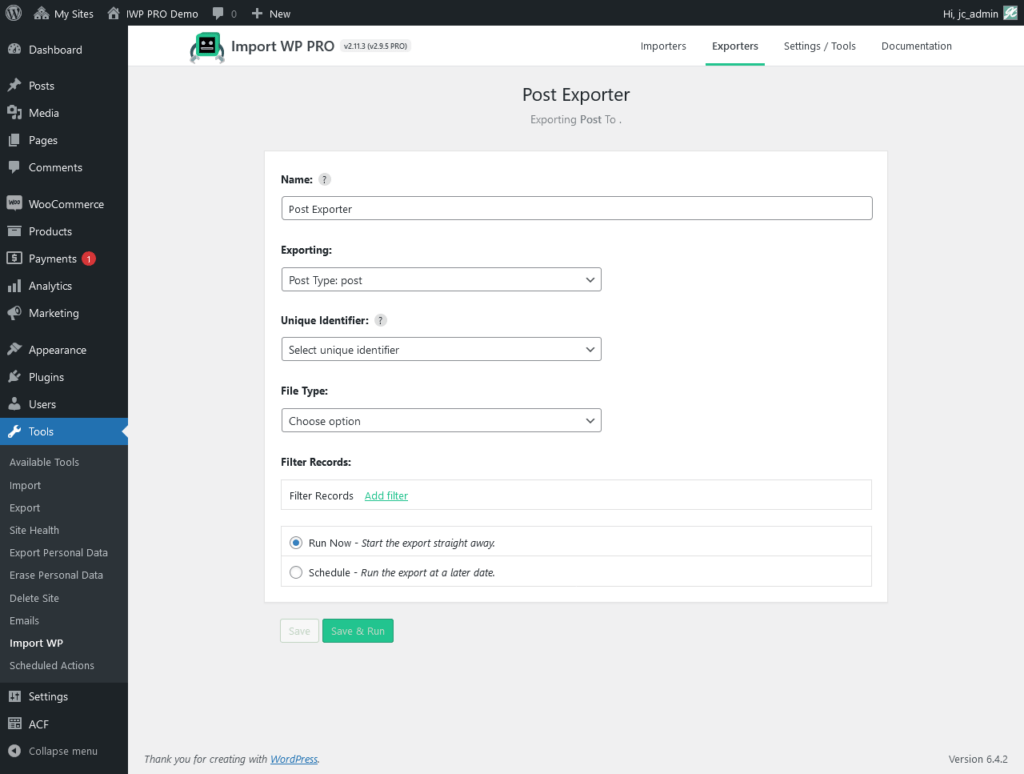
| Unique identifier | The unique identifier field is used to a reference column to the export file, this column comes in handy when you are importing data to identify if a record should be inserted or updated. |
| File type | Choose either XML , CSV , or JSON |
CSV Fields to export

| Options | Description |
|---|---|
| Fields to export | Select multiple fields from a list that is generated from your previously selected WordPress export data type, e.g. post type fields, users fields, taxonomy fields. |
XML Fields to export
| Options | Description |
|---|---|
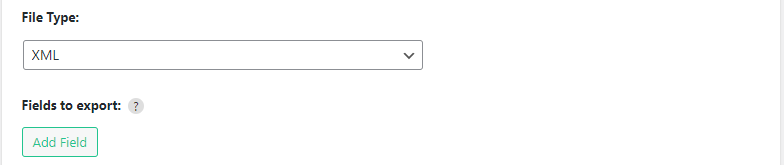
| Fields to export | Select multiple fields from a list that is generated from your previously selected WordPress export data type, e.g. post type fields, users fields, taxonomy fields. |
JSON Fields to export

| Options | Description |
|---|---|
| Fields to export | Select multiple fields from a list that is generated from your previously selected WordPress export data type, e.g. post type fields, users fields, taxonomy fields. |
Updated 2023-12-11