
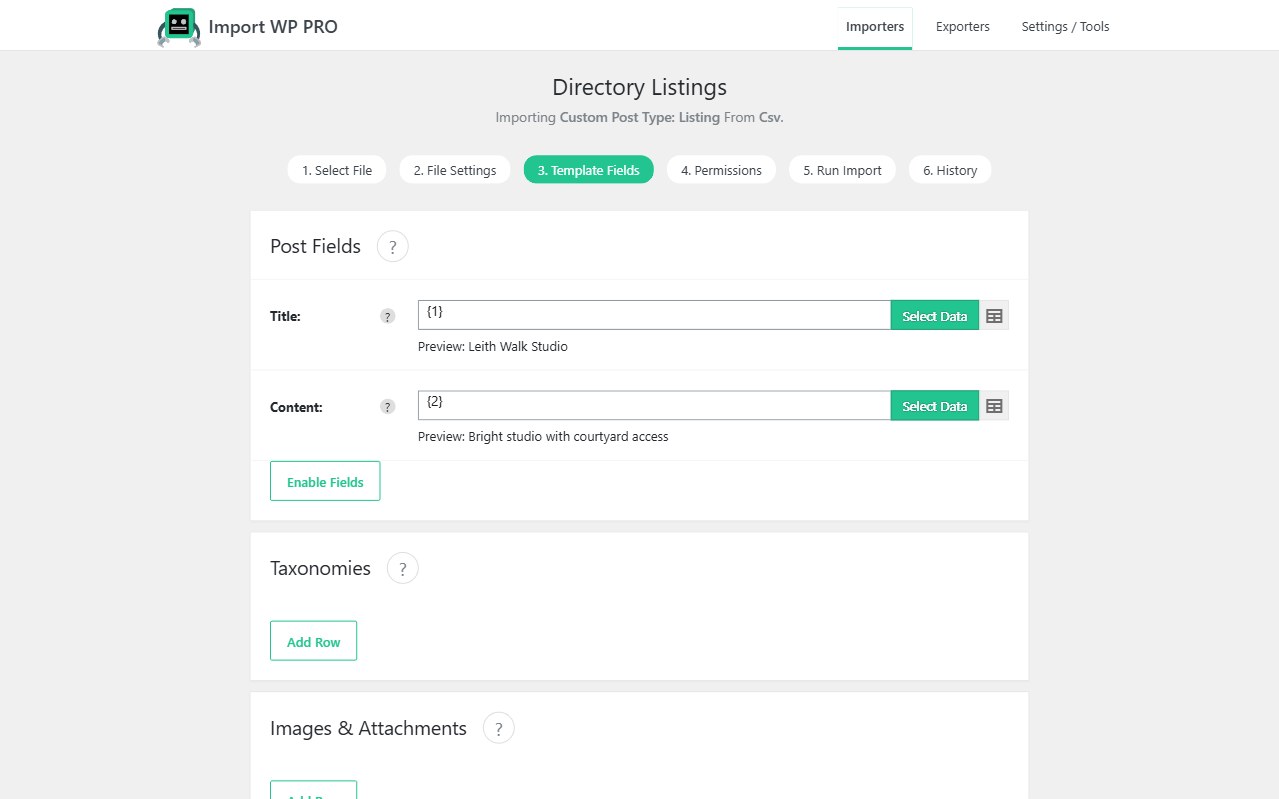
Crocoblock JetEngine stores the data your listings, filters, and maps actually use — meta boxes on posts, custom content types in their own tables, repeaters, galleries, relationships, and coordinates. The Import WP JetEngine add-on maps CSV or XML into those structures with the same visual template as core imports. You are not writing glue plugins to update_post_meta for every CCT field.
Requires Import WP Pro. The add-on is not bundled in Pro the way ACF is; it is a Pro add-on.
Import Crocoblock JetEngine data from CSV (and XML)
JetEngine fields show up in two places:
- Posts, taxonomies, users — Custom Fields dropdown, prefixed with JetEngine –. Select a field and the controls change to match the type (text, number, media, and so on). Meta boxes and CPT fields use the same pattern.
- Custom content types — create an importer, choose JetEngine Content Type, pick the CCT. Template Fields lists that table’s columns; Enable fields reveals anything hidden.
CSV columns map one-to-one onto those controls. XML uses the visual selector, including nested nodes for repeaters. Full UI walkthrough: Import JetEngine data.
JetEngine repeater and gallery import
Repeaters get their own Template Fields section, prefixed JetEngine –. Add row inserts a set of sub-fields. For XML, set Repeater Node to the repeating child path so one mapping row loops every item — the same idea as ACF repeaters.
Media and gallery fields use Import WP’s attachment pipeline: remote URL, local file, FTP, or Media Library. Multiple gallery images are comma-separated sources. That is the usual directory or real-estate pattern: a feed of image URLs, not a ZIP on your laptop.
JetEngine relationships and map coordinates
Relationship fields need real object IDs. Feeds ship slugs, titles, or SKUs. Import the related CCT or post type first with a unique key, then map the relationship column so links resolve after the bulk load — including XML relationship nodes.
Map / coordinate fields are why JetEngine wins on directories and property sites. Import address, lat, and lng (and any map settings the field expects) so listings render on JetEngine maps without a geocoding script per row.
If the listing model is Advanced Custom Fields instead, use the ACF importer (built into Pro). Use this add-on when the meta model is Crocoblock. How-to: Import JetEngine data from CSV/XML. View Pro pricing.