
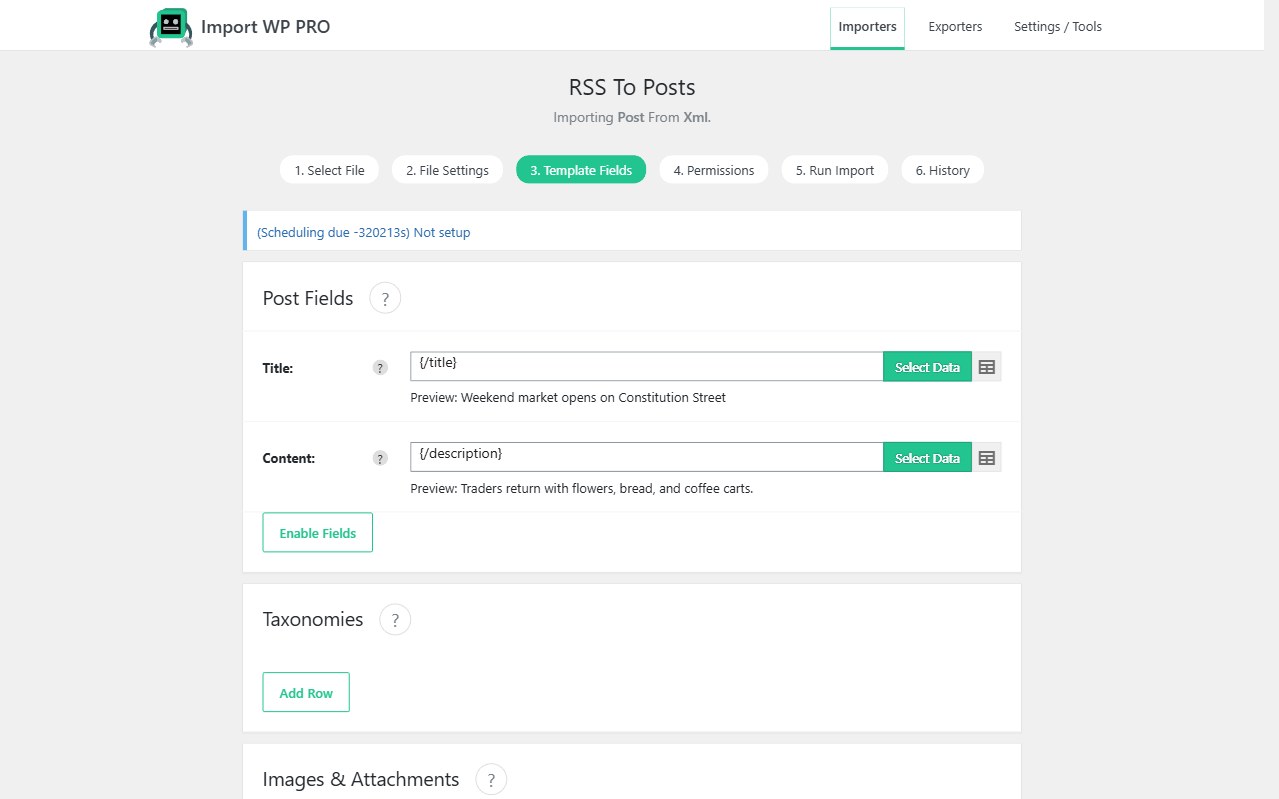
WPML needs two things on every translated object: a language, and membership of a translation set. A normal WordPress importer creates disconnected posts. The Import WP WPML add-on adds a WPML section (enable it with Enable Fields) so CSV or XML rows become linked translations.
Free add-on. For CPTs, set WPML → Settings → Post Type Translation or the section will not apply.
Import translated posts from CSV (WPML)
Map Language to an ISO 639-1 code and Translation to the source post by ID, slug, or name. The plugin sample uses a Translation ID column as well — ID is the safest pointer once posts exist.
Default-language rows have no translation parent. Other locales point at that source. Import order matters if you look up by title: create English first, or put English rows above their translations in the same file. Docs and sample: WPML translations.
WPML XML import is the same mapping with the visual selector on language and translation nodes instead of columns.
Multilingual WooCommerce product CSV import
Product translations are still posts. Use the WooCommerce Products template plus the WPML section: SKU unique per language or a shared SKU strategy you have already decided in WPML, language code on every row, translation pointer to the default-language product.
Do not mix a stock-only supplier feed with translation linking unless the feed is actually multilingual. Price/stock sync is stock and price sync; this add-on is for language variants.
Import WPML multilingual terms
Categories, tags, and custom taxonomies need the same language + translation treatment or archives split incorrectly per locale. Import terms (or term translations) with language set, then import posts that assign those terms. If a post references a category that does not exist in that language yet, create the term translation first.
Unique keys per term per language prevent duplicate categories on re-import. Pair with taxonomy import when the taxonomy itself is the payload.
Polylang sites: Polylang importer.