
Pods is how many teams model CRMs, directories, and custom content types without a page builder. The data lives in Pods fields and relationships, not only in core post meta. The Import WP Pods add-on maps CSV columns and XML nodes onto those extended fields so a feed becomes Pods content without a separate migration plugin.
Requires Import WP Pro. Like JetEngine, this is a Pro add-on (ACF is built into Pro; Pods is not).
Map Pods extended fields from CSV or XML
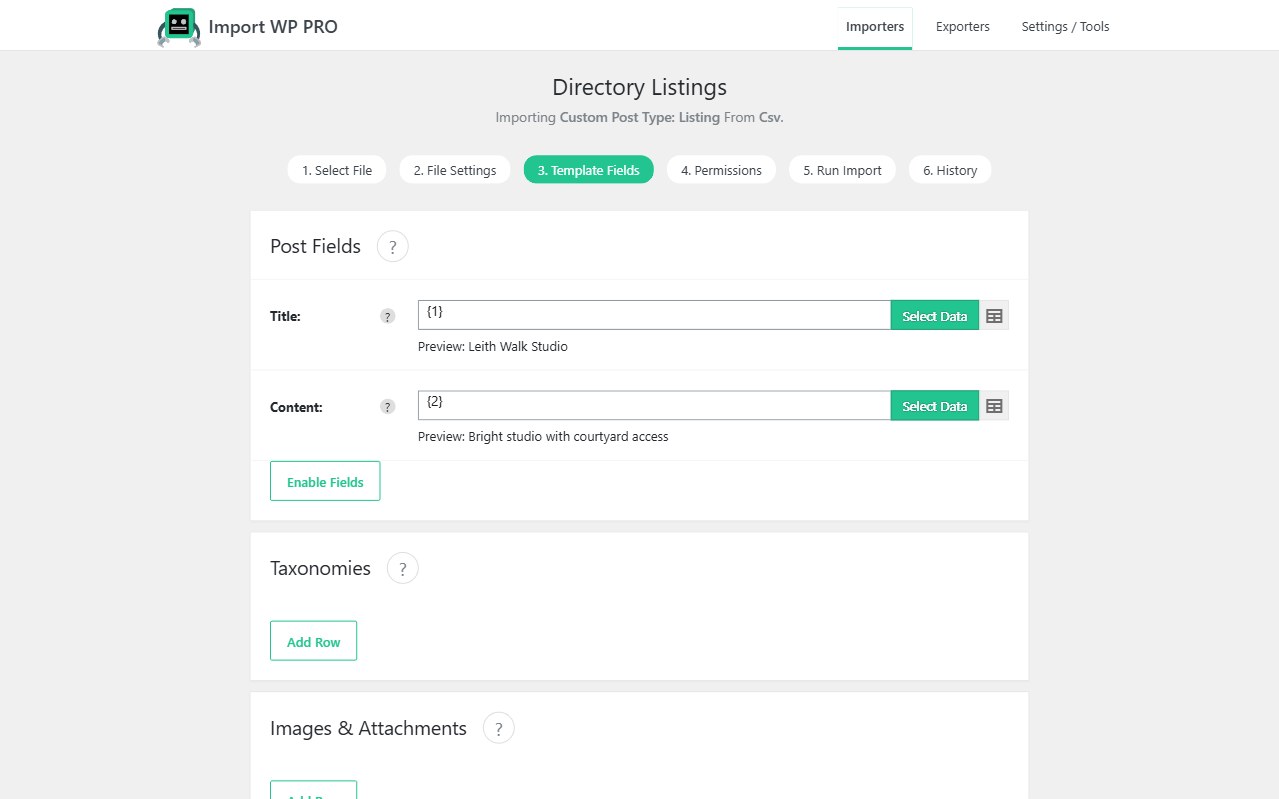
Create the importer for the post type, tax, or Pods content type you actually use. Pods fields appear in mapping the same way other custom fields do: pick the field, then attach the source column or XML node.
That covers the usual Pods types — text, money, dates, files, and the rest of the field library you enabled on the pod. Re-runs use a unique identifier (SKU, email, reference) so you update the same record instead of creating duplicates.
Import Pods custom fields from XML when the source is nested; the visual selector is the same as CSV/XML parsing.
Pods relationships CSV import (including bi-directional)
Pods relationships are the reason a spreadsheet import is not enough. A “related organisation” or “linked listing” column has to become a real related ID, and bi-directional links have to stay consistent on both pods.
Import the related pod first with a stable unique key. Then map the relationship field on the second importer so each row resolves by ID, slug, or reference. Bi-directional relations should be written by the add-on as part of that mapping — you should not maintain two PHP hooks to keep both sides in sync after every bulk load.
If a relationship fails, the related object usually was not imported yet, or the lookup value does not match the unique key you used on the first pass. Run a second import once both sides exist.
When to use Pods + Import WP
- Custom content type migrations into Pods
- Directory or CRM-style pods with files and relationships
- Replacing manual CSV → Pods scripts that break when a field is added
If the site is ACF, use ACF importer. If it is JetEngine, use JetEngine importer. Pods is the add-on when the schema is Pods.