
- Download Import WP Pro from your Codecanyon downloads page.
- Upload the wordpress plugins zip file via Plugins > Add new > Upload plugin
- Activate the plugin from within the WordPress administration area.
- Optionally enable automatic updates.
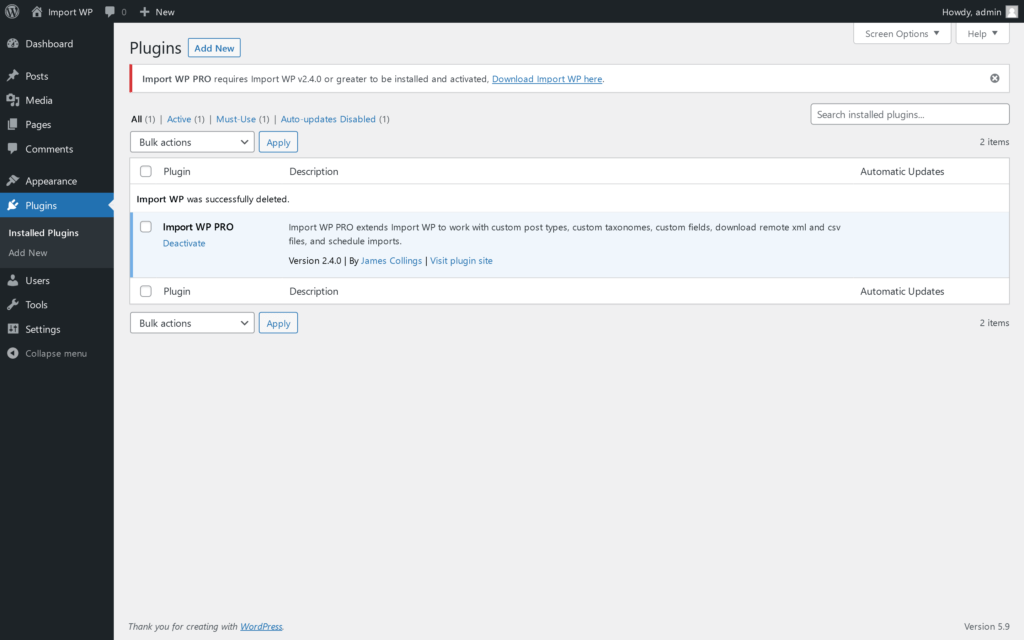
Once activated if you do not have the base Import WP plugin installed or a compatiable version, a notice will appear at the top of your screen alerting you to activate / update the plugin.
Updated 2023-12-04