
UK estate agency sites still run on BLM. Rightmove and other portals drop a .blm text feed plus a ZIP of images. Converting that to CSV every night is how listings go stale. The Import WP BLM add-on reads the file natively, maps {AGENT_REF}-style headings onto WordPress fields, and pulls attached media from the matching ZIP.
Free add-on. Schedule the refresh with Import WP Pro cron.
Import a BLM feed into WordPress (no CSV conversion)
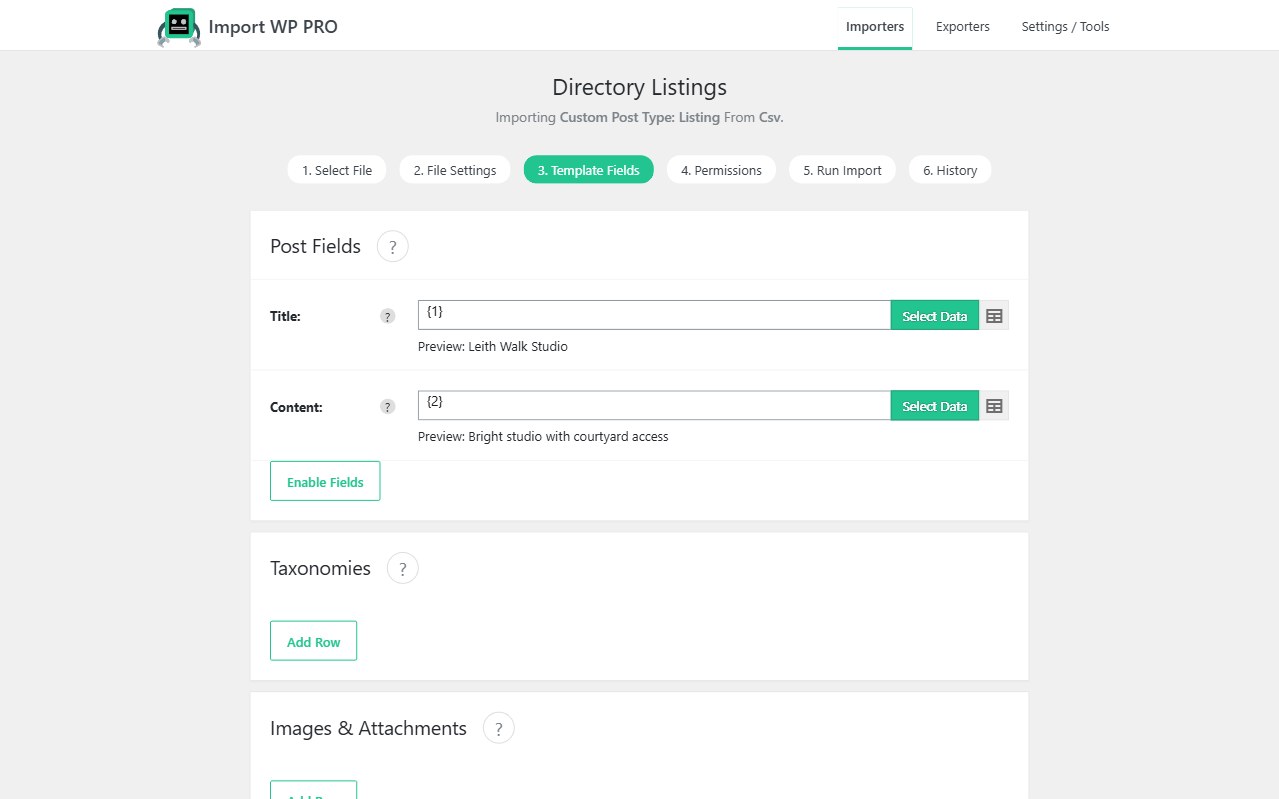
Add the .blm via upload, remote URL, or local filesystem. The record preview shows headings and the first listing. Hover a heading to see the token (for example {AGENT_REF}). Select Data on each template field, click the BLM heading or value, then Select and Close.
Map the usual property payload: agent reference, price, status, address lines, bedrooms, description, and any extras your CPT uses. Unique identifier should be the agent/portal reference so a new BLM updates the same listing instead of duplicating it.
This is a real estate BLM property import into your post type — Import WP does not force a specific estate-agency theme. Pair with ACF (Pro) if listing extras live in ACF, or with JetEngine on Crocoblock builds.
Rightmove BLM to WordPress, including media
BLM media is a ZIP with the same name as the .blm, in the same directory. Import WP can fetch that pair from local filesystem or remote URL (not a random FTP layout unless the files are already on a path the importer can see).
Use the iwp_blmr_attachment custom method with the comma-separated media names from the feed. It extracts or downloads those files to a temp path; set the attachment field to Local Filesystem so each image lands in the Media Library. Full steps: Import BLM files.
That is how you import BLM property media into WordPress without unzipping 200 listing folders by hand.
Automate the listing refresh
Portal drops are nightly. With Pro, fetch the .blm (and ZIP) on a schedule, skip unchanged references, and only rewrite price, status, and media that moved. Filter rows if you must exclude SSTC or certain branches (filter records).