
Import WP’s parser is built for the files you actually get: oversized CSVs, nested XML catalogues, Excel workbooks, and remote drops that change overnight. You import CSV, XML, and Excel into WordPress by mapping columns and nodes visually — then Import WP writes posts, users, taxonomies, or (in Pro) custom post types and custom fields.
CSV and XML are native. Excel uses the free XLSX reader add-on. What you can write (CPTs, meta, cron) still follows Free vs Pro. Destinations: WordPress data importer.
Import large CSV files into WordPress without timeouts
Default WordPress importers die on big files: 504s, max execution time, a browser tab that never comes back. Import WP streams and batches records so you can import a large CSV into WordPress without sitting on the screen until it finishes.
That is the difference on supplier catalogues, property dumps, CRM user exports, and site-to-site migrations. Pro runs the job in the background, so leaving the importer screen does not kill the run. Pair with scheduled imports when the same large file should refresh on cron.
Start the importer: How to add an importer. File options (delimiter, headings, XML base path): Importer file settings.
Nested XML WordPress importer
A nested XML WordPress importer has to treat a product, variation, image, or listing node as the record — not flatten the file by hand.
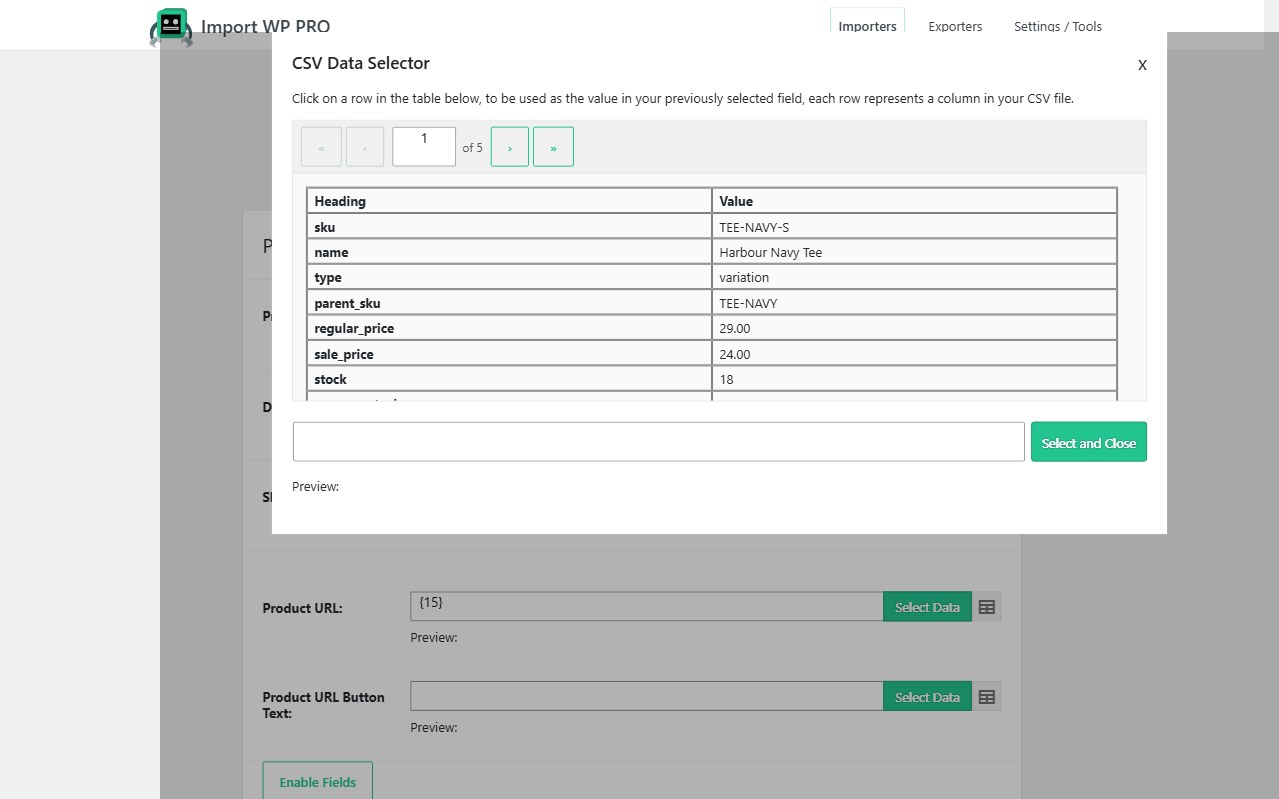
Set XML Base Path to the repeating record. The preview shows one item. Map each WordPress field (or ACF / WooCommerce field) to a child node with the visual selector. When the vendor renames a tag, you change the node path rather than rewriting a custom parser.
Nested feeds also drive repeaters and galleries: set a repeater node so child items become rows instead of numbered mapping lines. See ACF repeaters and WooCommerce XML product feeds.
Compressed bundles (XML + images) use the ZIP archive importer.
Fetch CSV via FTP, SFTP, or remote URL
You should not download a vendor file by hand every morning. Import WP can fetch CSV via FTP, SFTP, or a remote URL and reuse the same mapping.
Sources:
- Upload — one-off files from your computer
- Remote URL — HTTP/HTTPS feeds, including an FTP connection string (
ftp://user:pass@host/path/file.csv) - Server path — a file already on the host
- Google Sheets — collaborative catalogues
- FTP/SFTP — locked-down supplier drops
Save the importer. On a schedule (Pro), the next run pulls the latest file from the same location. Guide: Selecting a file to import. Sheets: Import from Google Sheets.
Custom delimiter CSV import in WordPress
Not every “CSV” is comma-separated. The file settings tab sets delimiter and enclosure per importer. Tick column headings when row 1 is a header.
If the feed uses a multi-character separator (for example !#), PHP’s CSV parser still wants a single character — preprocess the file or use the snippet in multi-character delimiters.
Filter rows before they write: How to filter records.
Download the free plugin for CSV/XML mapping. View pricing for background and scheduled remote sync.