
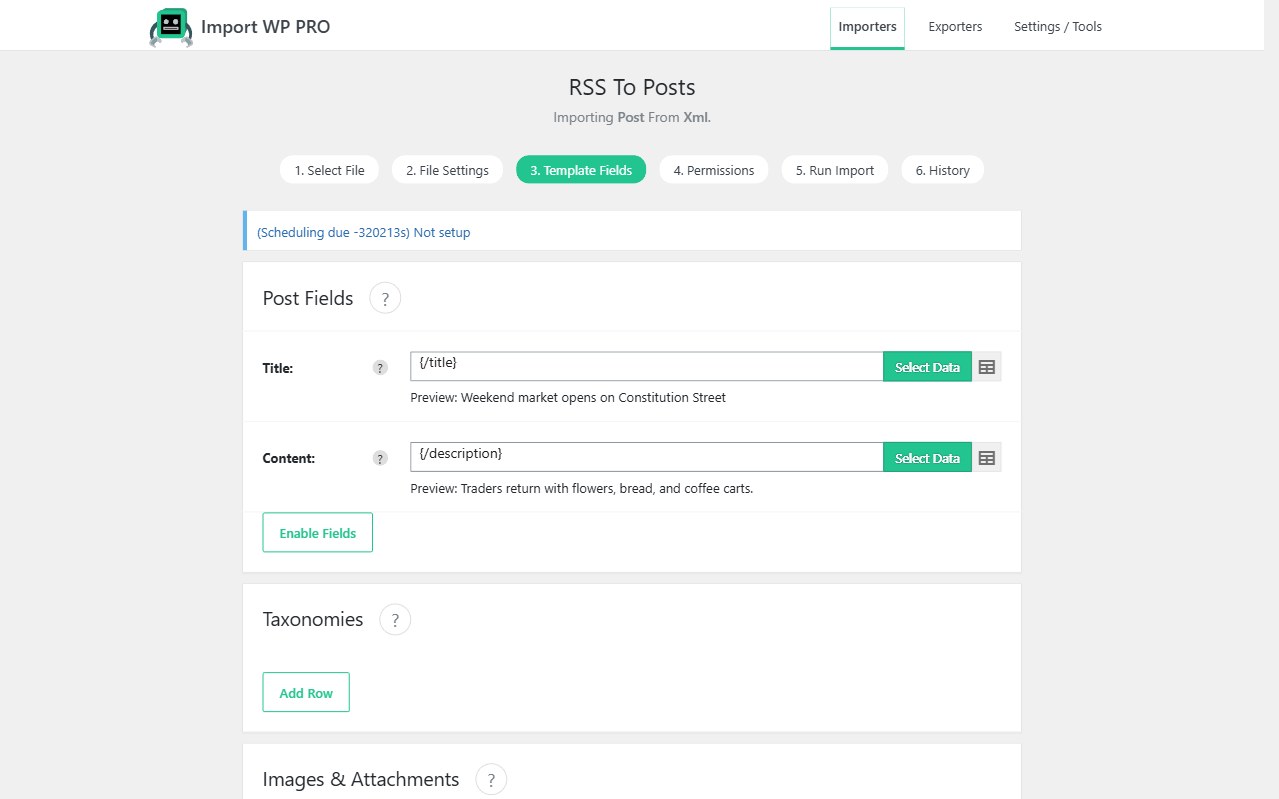
A multilingual import that creates posts without linking them leaves orphan translations. Import WP’s Polylang and WPML add-ons add a language field and a translation-group link while the CSV or XML is processed.
Both add-ons are free and work with the free plugin for posts, pages, and (with the free WooCommerce add-on) products. Custom post types as the destination still need Import WP Pro. ACF on those translations is Pro. JetEngine and Pods are Pro add-ons. Cron is Pro.
Polylang CSV import: language + translation linking
Enable the post type under Languages → Settings → Custom post types and Taxonomies or the Polylang section will not appear. Map:
- Language — ISO code (
en,fr,de) - Translation of — ID, slug, or name of the post in the default language
Each translated row becomes its own post in that language, linked into the same Polylang group. Terms can be imported with language and linked the same way.
Guide: Import Polylang translations.
Import WPML translated posts from CSV
The WPML add-on writes language and translation-set links for posts and WooCommerce products. Map language and the connecting field for the original. Unique keys still apply so a re-import updates the French product instead of creating a second one.
See also: WPML multilingual importer.
Multilingual WooCommerce product CSV import
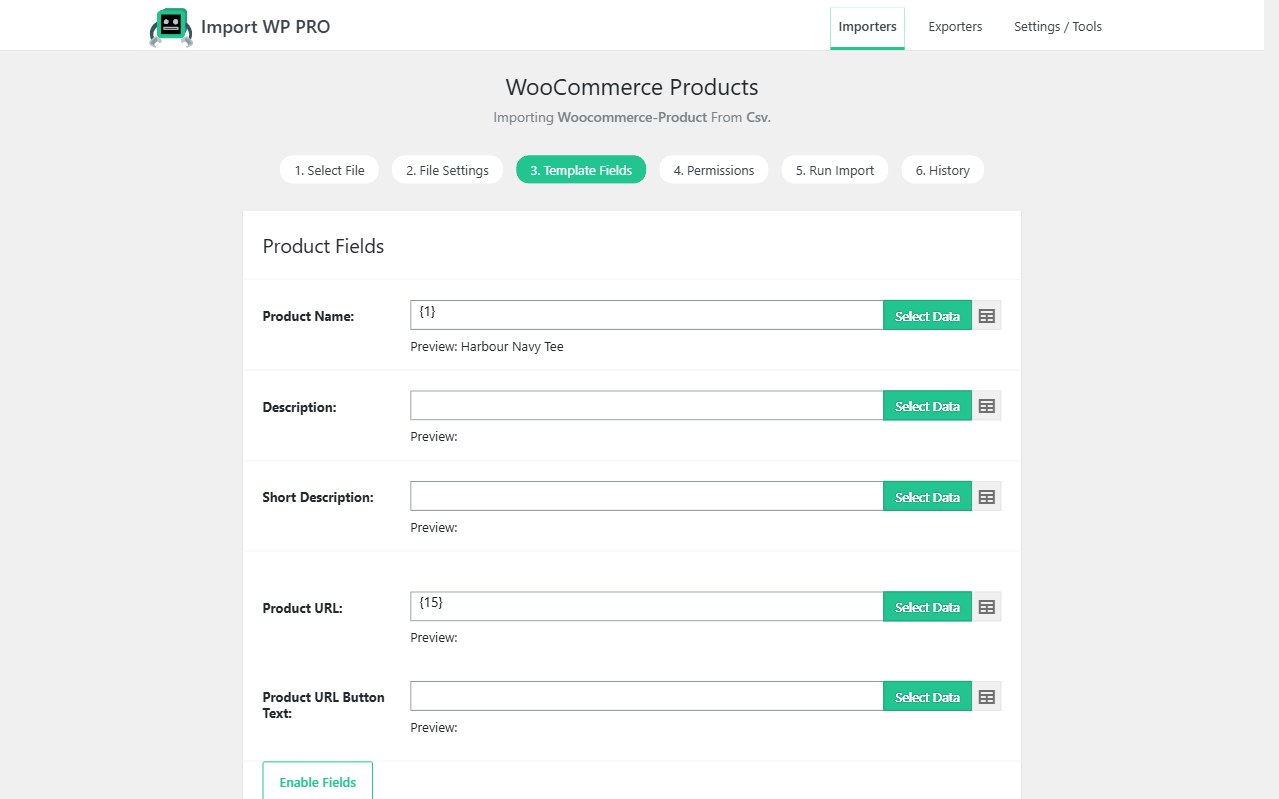
Run the WooCommerce Products template with the Polylang or WPML section enabled. Map SKU (unique key), translated title/description, and language. Variations follow the same SKU rules as a monolingual catalogue.
Customers and orders stay on their own templates; they are not translation rows.
Site rebuilds that include languages: migrate WordPress site data.