
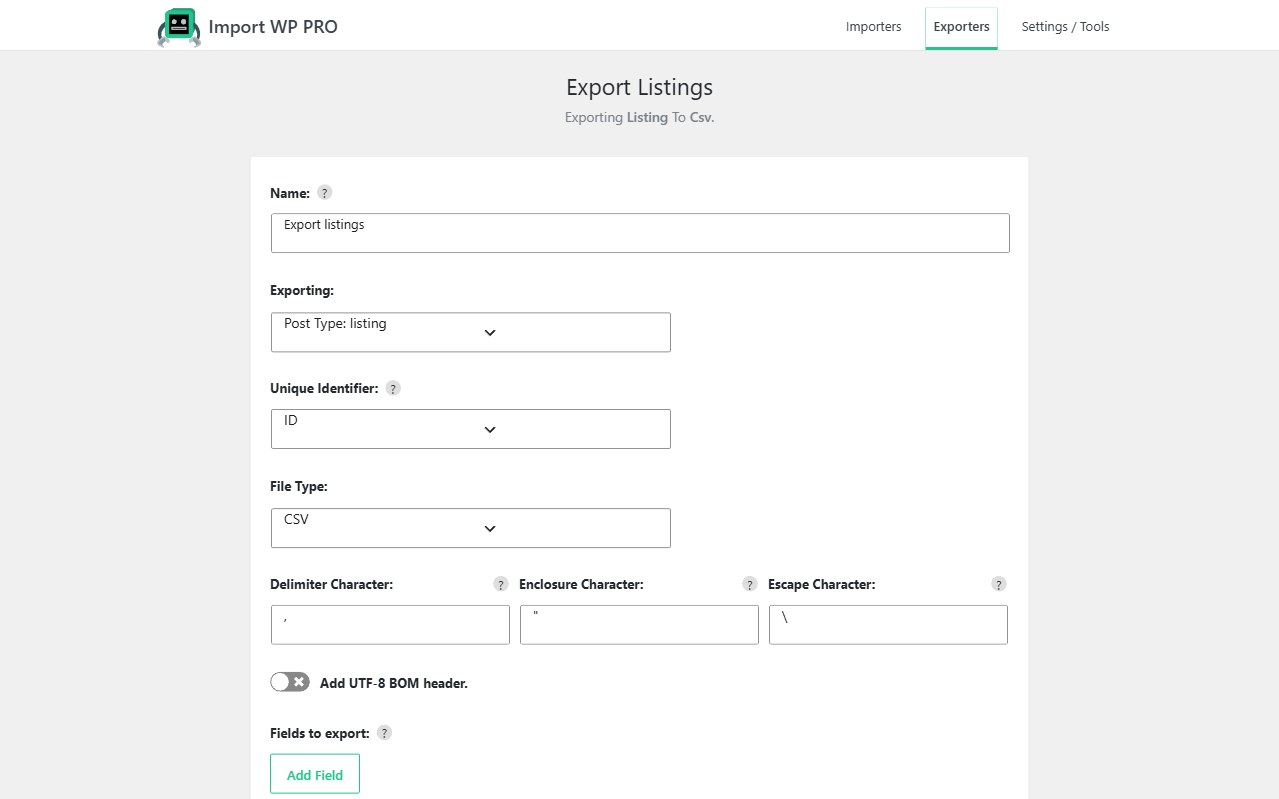
A WordPress rebuild should not mean copy-paste. Export the content you care about to CSV, XML, or JSON, map it in Import WP on the destination, and use unique keys so a second pass updates the same posts, users, and terms instead of duplicating them.
Start free on wordpress.org for posts, pages, categories, tags, users, and attachments. Import WP Pro is required for custom post types, custom taxonomies, custom fields, and ACF. JetEngine and Pods are Pro add-ons. Scheduled re-runs (staging refreshes) are Pro.
Migrate WordPress content between sites
Typical jobs: theme rebuild, host move, staging → production, or splitting a mega-site.
- Export posts, users, taxonomies, and (in Pro) custom fields from the source.
- Create matching importers on the destination — Posts, Users, Taxonomy, or a CPT template in Pro.
- Map columns or XML nodes with the visual selector. There is no forced column order.
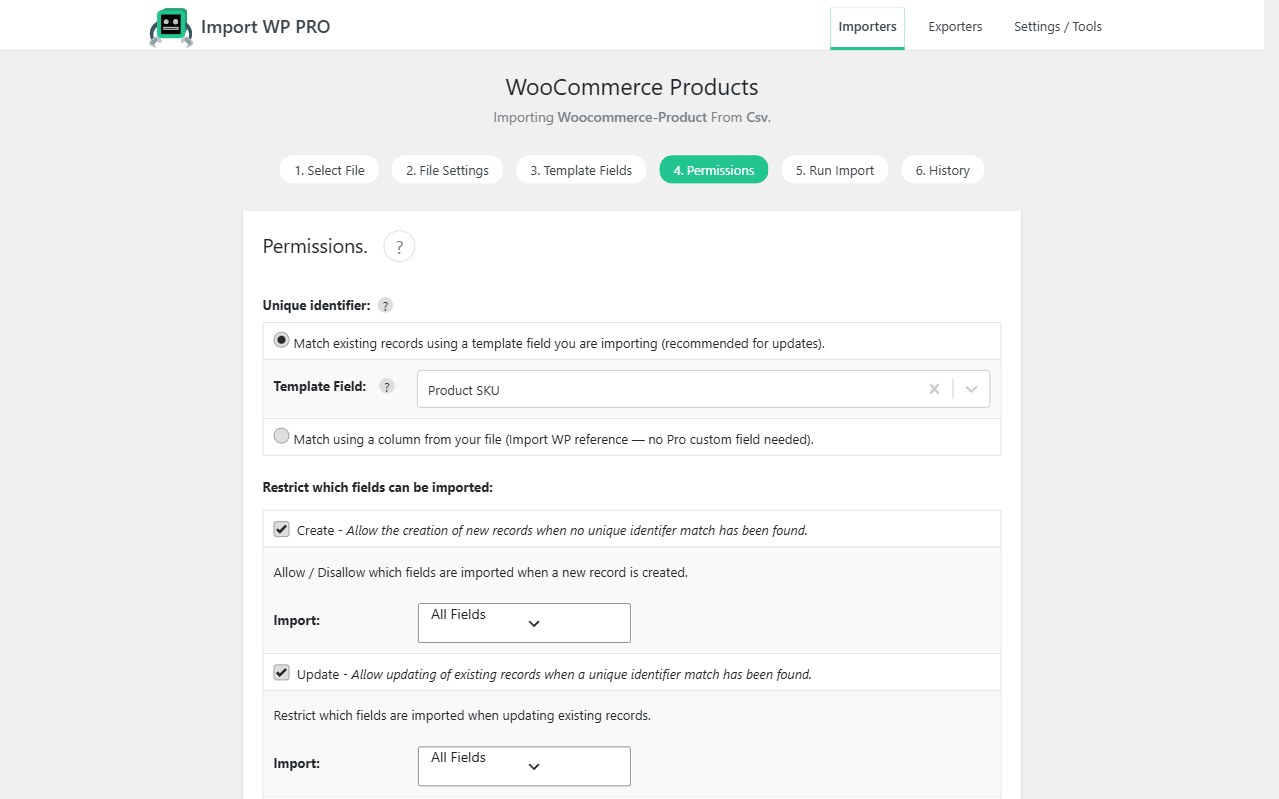
- Set unique identifiers (slug, SKU, email, username) and enable Update once a small test file looks right.
That is how you export import WordPress posts via CSV without a full database dump — useful when the new site must not inherit the old theme’s options, transients, and plugin tables.
See also: WordPress data importer. CPT destinations: import custom post types and taxonomies.
WordPress staging to production import
Staging often has newer copy than production. Run the same saved importer against a fresh export: unique keys find the production posts, mapped fields update, unmapped editorial fields stay put.
Do not change the identifier type between environments. If staging used slug, production must use slug. Permissions: Permissions.
Large files batch so PHP max execution time does not kill the run. Pro processes the job in the background. Parser: CSV, XML, and Excel.
Move WordPress users and media with the content
Users: map email or username as the unique key so members are not recreated. Core user fields are free; custom user meta is Pro. WooCommerce shoppers use the Customers template, not Users.
Media: featured images and attachments download from URL, FTP, or a local path. The same image URL should reuse the Media Library attachment on a re-run instead of duplicating files. See bulk import remote images.
Term relationships: attach categories and tags on the post importer, or import terms first with the Taxonomy template when archives must exist before posts.
Preserve custom fields during a migration
Listing sites and directories store the real model in meta. That write path is Pro — native post meta or ACF. Export custom fields from the source, map them on the destination, and keep unique keys so galleries and prices land on the right listing.
WooCommerce catalogues: migrate Shopify (or any CSV) to WooCommerce and the WooCommerce importer.
Site migration FAQ
Can I migrate posts and users without Pro?
Is this a full site clone?
wp_options. That is the point of a rebuild.