
Directory sites are custom post types plus taxonomies plus a map. Import WP Pro imports business listings from CSV or XML into any registered listing CPT, attaches categories (area, type, amenity), and writes address and coordinate fields — including ACF Google Maps when the locator is an ACF map field.
Requires Import WP Pro for the CPT, custom taxonomies, custom fields, and ACF. The free plugin can import a simple directory as posts with categories. JetEngine directories use the JetEngine add-on (Pro add-on). Pods: Pods importer. Import WP does not geocode addresses; it maps lat/lng or address strings that are already in the file.
Bulk import business listings into a custom post type
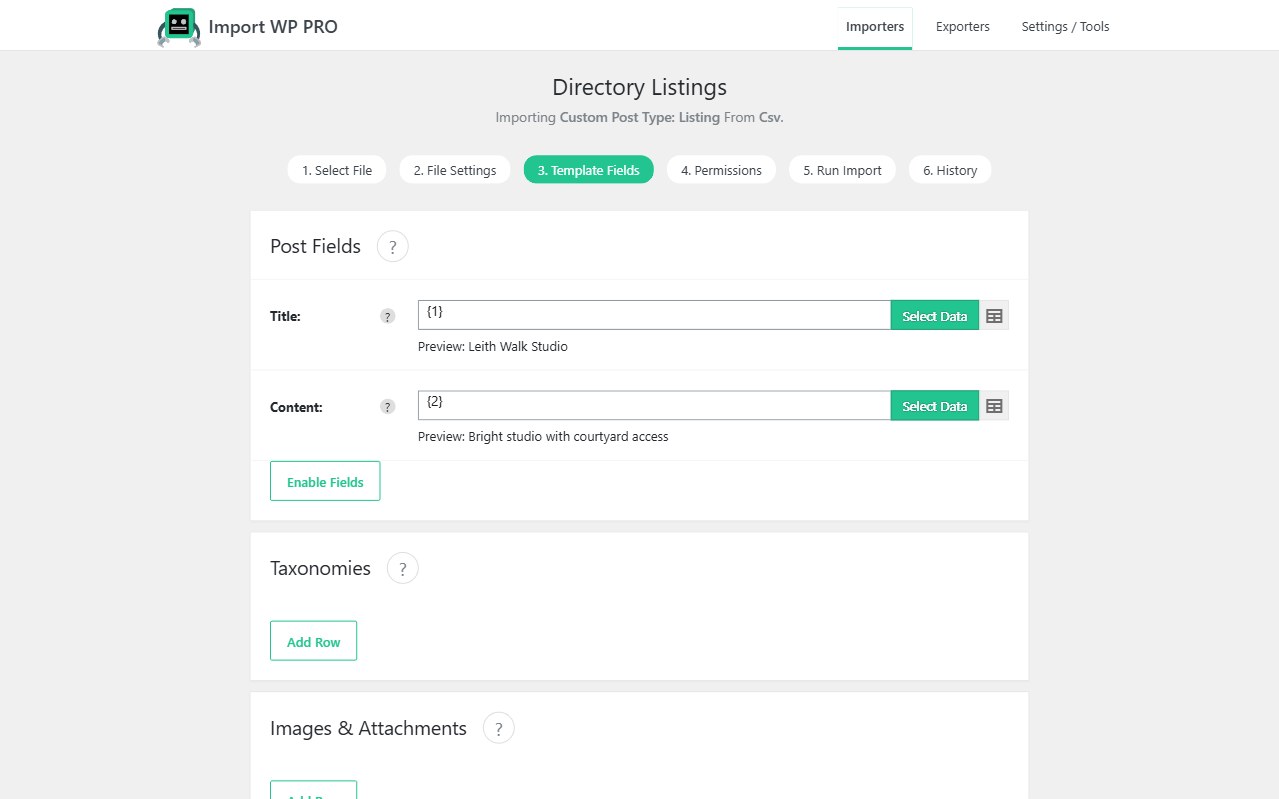
Create an importer for the listing CPT. Map name, description, phone, website, opening hours, and featured image. Unique key: a store ID, slug, or phone — something that survives a re-export from the CRM.
Images from supplier URLs: bulk import remote images. Repeaters (hours, FAQs, team): ACF repeater importer.
See also: WordPress data importer · import custom post types.
Import ACF Google Maps / geolocation from CSV
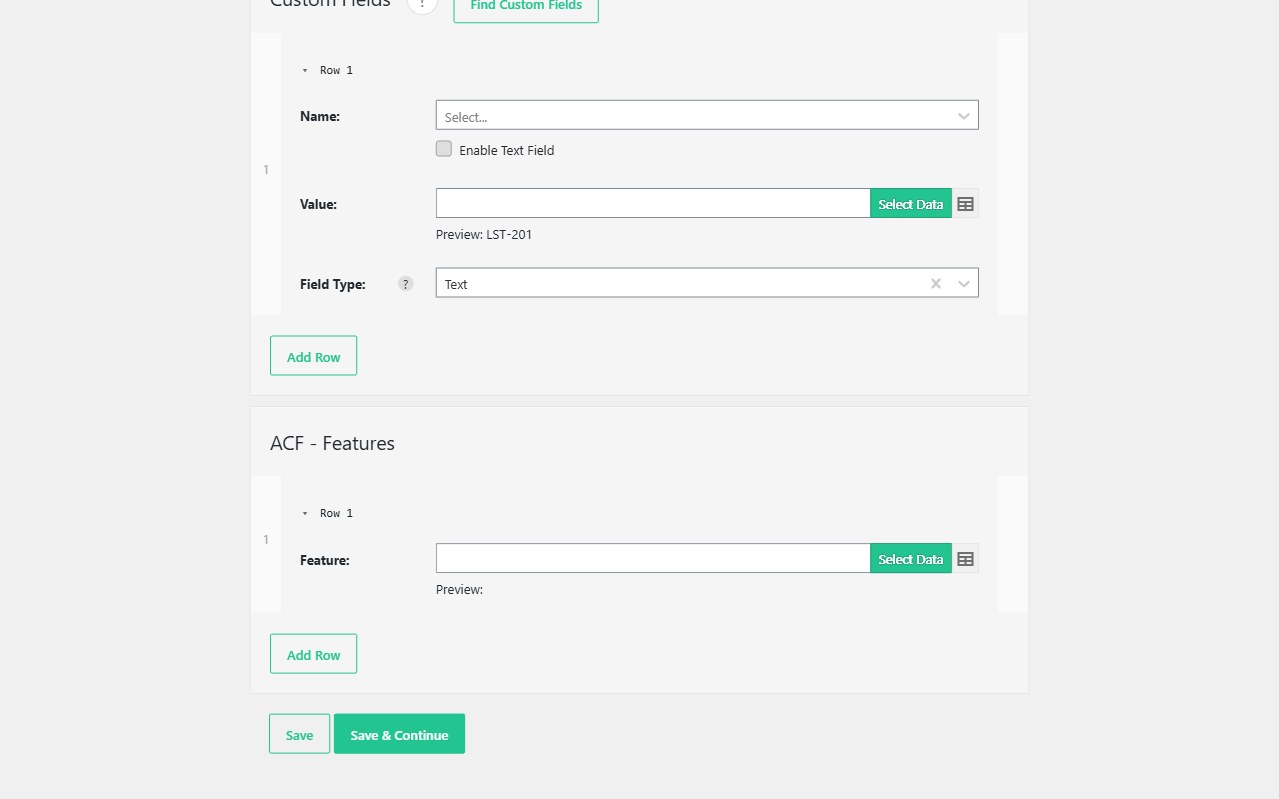
If the CSV already has latitude and longitude (or a formatted address your ACF map field accepts), map those columns onto the ACF map field in Pro. That is how you populate directory listings with geolocation data without a custom PHP importer.
Import WP will not call Google’s geocoding API for a raw street string unless that value is what the field expects. Put coordinates in the feed when the locator must pin accurately.
ACF map fields: import ACF fields from CSV.
WordPress directory CSV import with taxonomies
Attach listing type, location, and amenity taxonomies on the same row, including parent > child hierarchies created during the import. Or import terms first with the Taxonomy template when archive pages must exist before listings.
Search/filter plugins that read those taxonomies then work as they do for hand-entered listings.
Real-estate flavoured directories: MLS / BLM property feeds.