
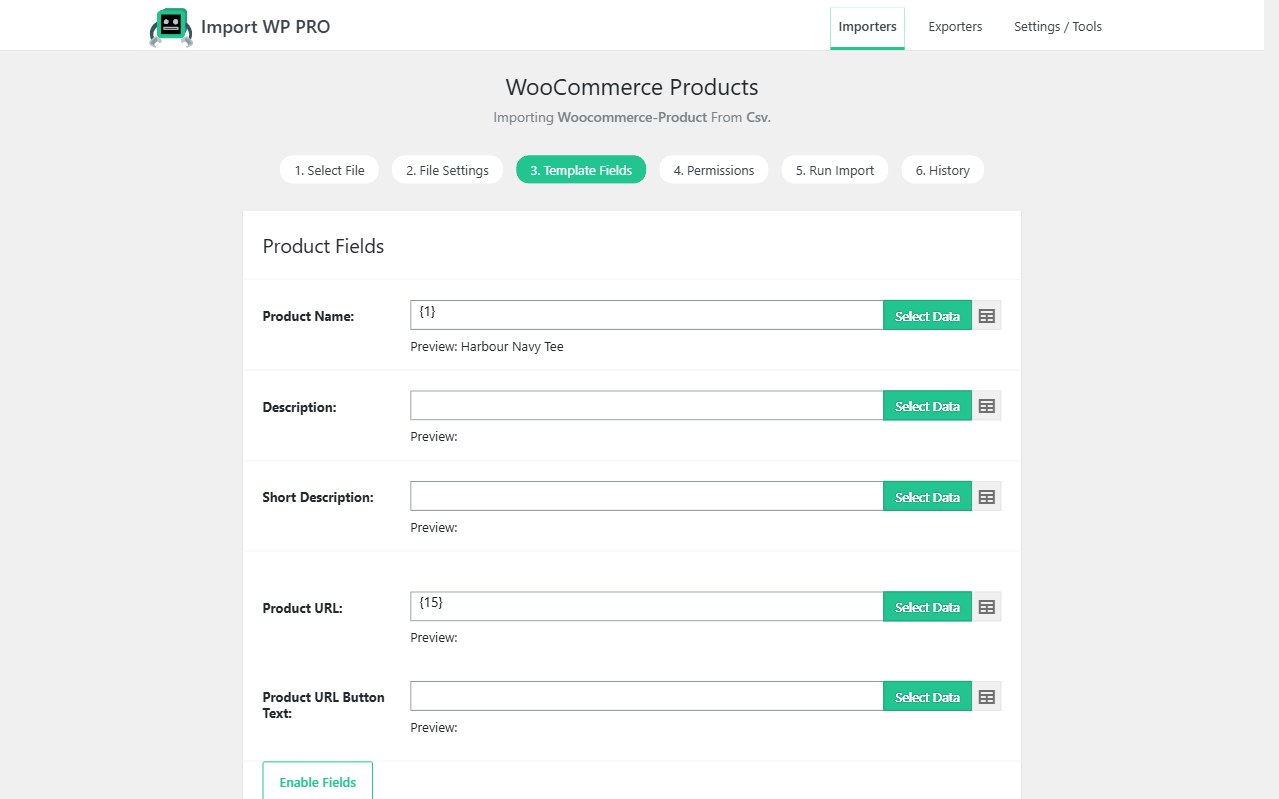
A WordPress data importer has to survive real migrations and live feeds, not only a tidy spreadsheet. Import WP maps CSV columns and XML nodes onto posts, pages, users, taxonomies, attachments, and meta with a visual selector, then uses unique keys so the next run updates the same records instead of duplicating them. Built for agencies moving sites, listing CPTs, and anyone who will re-run the same file.
Parser details: CSV, XML, and Excel. Automation: scheduled imports.
Import WordPress posts from CSV or XML
Start with the Posts or Pages template. Map title, content, excerpt, slug, status, author, dates, parent, and menu order from any column or node — there is no “column A must be the title” template.
That is the usual path when you import WordPress posts from CSV after a rebuild, a staging → production move, or a publisher dump. XML works the same way: pick an XML base path for one record, then point each WordPress field at a node.
Attachments sit on the same importer. Featured images and files come from remote URLs, FTP, or a local path. Alt text, captions, and titles can be populated from the file. Re-runs should not flood the Media Library: the same image URL is reused instead of creating a duplicate attachment.
Walkthrough: Import WordPress posts from XML or CSV. Hierarchy for pages: import pages with parent/child relationships.
A WordPress CSV XML importer with visual mapping
Most CSV plugins assume a flat header row. Import WP is a WordPress CSV XML importer for feeds that do not: nested XML, remote URLs, FTP/SFTP, a path on the server, or Google Sheets.
Map once, save the importer, and fetch the next file from the same place. Nested XML, custom delimiters, Excel, and ZIP are covered by the file parser. This importer writes the result into WordPress.
Create the importer: How to add an importer. Choose the file: Selecting a file to import.
Bulk import WordPress taxonomies and custom post types
Directories, properties, events, and portfolios are custom post types. Import WP Pro imports into any registered CPT your theme or plugins add — not only posts and pages.
You can bulk import WordPress taxonomies in two ways:
- On the post — attach categories, tags, or custom taxonomies while the CPT row is imported, including parent
>child hierarchies created during the run. - As terms — use the Taxonomy template when you need term archives, descriptions, parents, and term meta before posts exist.
Typical jobs: listing types and locations, event types and venues, resource libraries, product-adjacent catalogues that are not WooCommerce.
See Import custom post types and taxonomies. Term attachment: Import taxonomies onto a post type.
Import WordPress users and media in one workflow
Membership, LMS, and CRM migrations start with people. The Users template creates or updates accounts from CSV or XML: username, email, names, role, password handling, and (in Pro) custom user meta.
Match on email or username so a second CRM export updates the same members. Turn new-user notification emails off for historical loads; generate or map passwords only when you intend accounts to log in immediately.
Media does not need a second plugin. Attachments run on posts, pages, CPTs, and other templates that support them — remote URL, FTP, or local files, with featured-image flags and gallery rows.
See Import WordPress users and custom meta. Attachments: Import attachments onto a post type.
Unique identifiers so re-imports update instead of duplicate
Re-running a feed should not create thousands of copies. On Permissions, pick a unique identifier that is mapped and stable:
- Post ID, slug, SKU, or a custom reference column
- Email or username for users
- Slug or name for terms
Permissions then control insert, update, and delete. Skip unchanged records so a nightly file only rewrites rows that actually moved — faster runs, fewer post_modified bumps, less media re-download.
Do not change the identifier type between runs. Details: Permissions.
Free vs Pro
| Capability | Free | Pro |
|---|---|---|
| Posts, pages, categories, tags, users | Yes | Yes |
| CSV / XML visual mapping | Yes | Yes |
| Attachments from URL / FTP / local | Yes | Yes |
| Custom post types | — | Yes |
| Custom taxonomies | — | Yes |
| Custom fields / post meta | — | Yes |
| Scheduled and background imports | — | Yes |
| ACF (built into Pro) | — | Yes |
| JetEngine and Pods add-ons | — | Yes |
Start with the free plugin on wordpress.org. Compare Pro when you need CPTs, meta, or cron.
WordPress data importer FAQ
Can I import WordPress posts from CSV without Pro?
Is this only for CSV?
How do I avoid duplicate posts on a second run?
Need the reverse direction? WordPress data exporter. Install: Installation.