
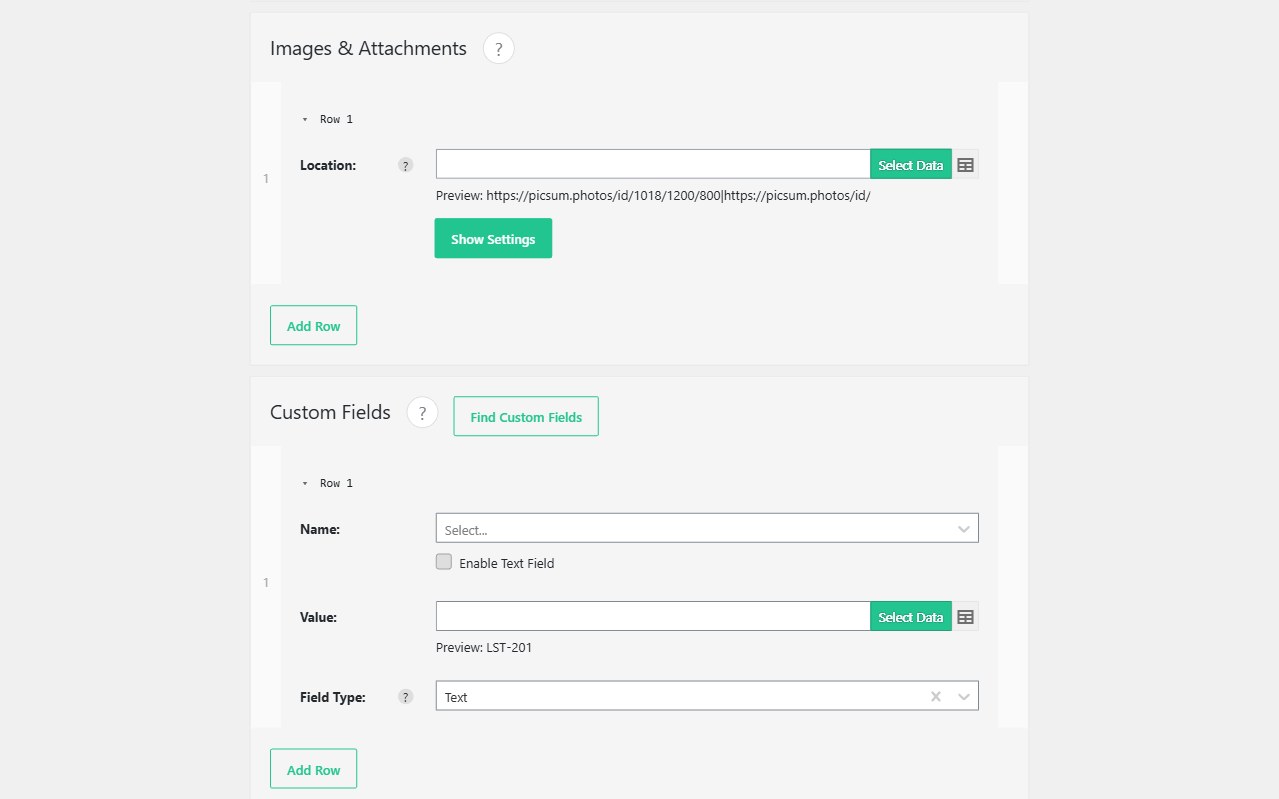
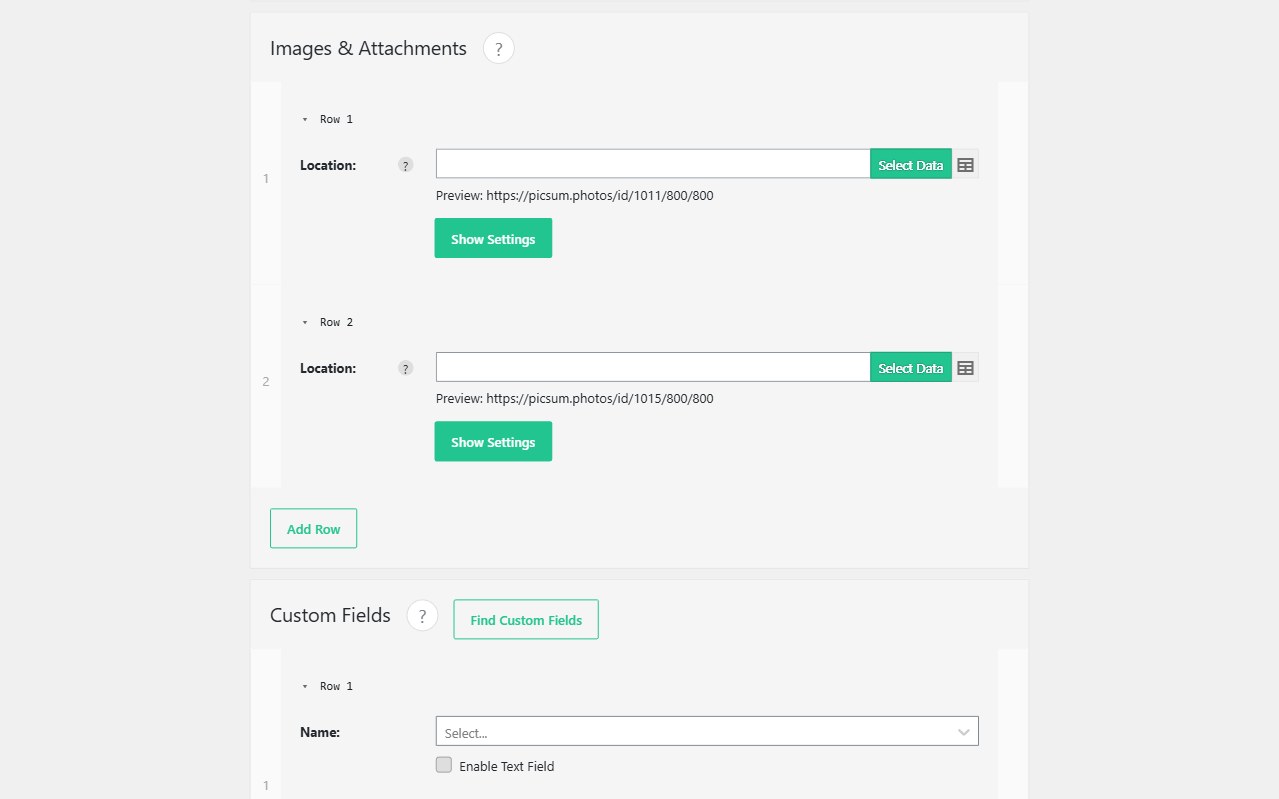
Supplier feeds ship image URLs, not Media Library IDs. Import WP downloads those files during the import, creates attachments, and sets featured images or galleries — then reuses the same URL on the next run instead of flooding uploads with duplicates.
Featured images and attachments on posts, pages, and users are in the free plugin. Images on a custom post type, ACF galleries, and ACF image fields need Import WP Pro. WooCommerce product images use the free WooCommerce add-on. Cron (refresh photos from a live feed) is Pro.
Bulk import image URLs into WordPress
On the attachments / featured image field, map the CSV column or XML node that contains https://…. Set the source to remote URL. Alt text, title, and caption can come from other columns.
Same URL → same attachment. Change the file at that URL and you may need a new URL or a re-download policy; do not assume every host lets you overwrite in place.
Guide: Import attachments onto a post type. See also: WordPress data importer. FTP or local files are also supported when URLs are not available.
Import an ACF gallery from CSV image URLs (Pro)
A comma-separated list of image URLs is not a gallery until each file is in the Media Library and the field stores attachment IDs. Import WP Pro downloads the list and writes the ACF gallery (and image / file fields). Relationships that point at other posts: ACF galleries and relationships.
Property and directory listings usually need this plus a CPT: real estate feeds, directory listings.
WooCommerce import product images from URL
Map featured and gallery image URLs on the Products template. SKU remains the unique key so a new supplier photo updates the product instead of creating a second SKU. Variations can have their own image column.
ZIP of images next to a CSV: ZIP archive importer. BLM property ZIPs: BLM importer.