
Import WP is not only an importer. The exporter pulls structured WordPress data into CSV, XML, or JSON — migrations between sites, a catalogue for a partner, a backup before a theme rebuild, or a clean file you will import again.
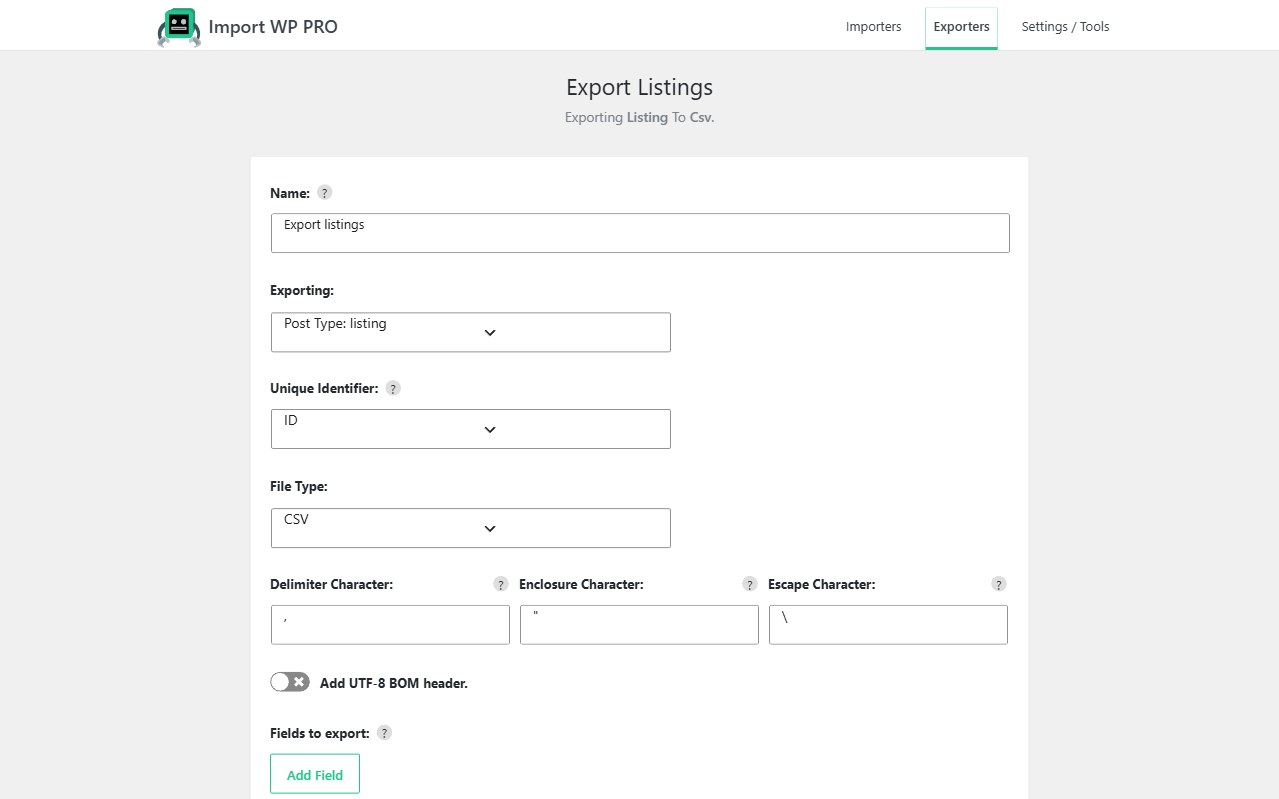
Create an exporter under Tools → Import WP → Exporters. Name it, choose posts (including CPTs / products), taxonomies, or users, then pick fields visually. Guide: How to add an exporter.
Export WordPress custom fields to CSV
Spreadsheets are still how most teams audit and edit data. Export WordPress custom fields to CSV by selecting the post type (or users / terms) and ticking the meta keys you need — not a full database dump.
The field list is generated from the data type you chose: post fields, user fields, taxonomy fields, plus the custom fields that exist on those records. That is the practical way to hand an agency a listings spreadsheet, or to round-trip ACF-style meta after you export from Pro and re-import with the same unique key.
Include a unique identifier column in the export. That column is what the importer uses on the destination site to insert vs update. File types: Choosing export file type.
Export WordPress products and catalogues to XML
CSV is flat. Nested catalogues often want XML.
Export WordPress products to XML when the destination is another feed consumer, a PIM, or a WordPress importer that prefers nodes over columns. WooCommerce products are a post type (product); export the fields you mapped on the way in — SKU, prices, taxonomies, and the meta your store actually uses.
XML also suits property and directory CPTs whose structure is already nested. Keep SKU or reference in the file so a re-import on the other site updates rather than duplicates. Store import side: WooCommerce importer.
Export WordPress posts to JSON
Export WordPress posts to JSON when the consumer is a developer tool, a headless rebuild, or a script — not Excel.
Same exporter, file type JSON, same visual field picker. You still choose which fields leave the site. JSON is a first-class option alongside CSV and XML. Run it, wait for the progress bar, download the file: Run export.
WordPress data export for migration
A WordPress data export for migration is a loop, not a one-off dump:
- Export the post type, taxonomy, or users you need, with a unique identifier column
- Move the CSV, XML, or JSON to the destination (or staging → production)
- Create an importer on the other site — or reuse a mapping that matches the export
- Map unique keys, run a small test, then the rest
Preserve what the importer will need: authors, term names/slugs, and attachment URLs or paths. Media files are not a zip of uploads/ unless you handle that separately (see ZIP archives when the feed already bundles files).
Parser and re-import: CSV, XML, and Excel. Engine that writes the data back: WordPress data importer.