
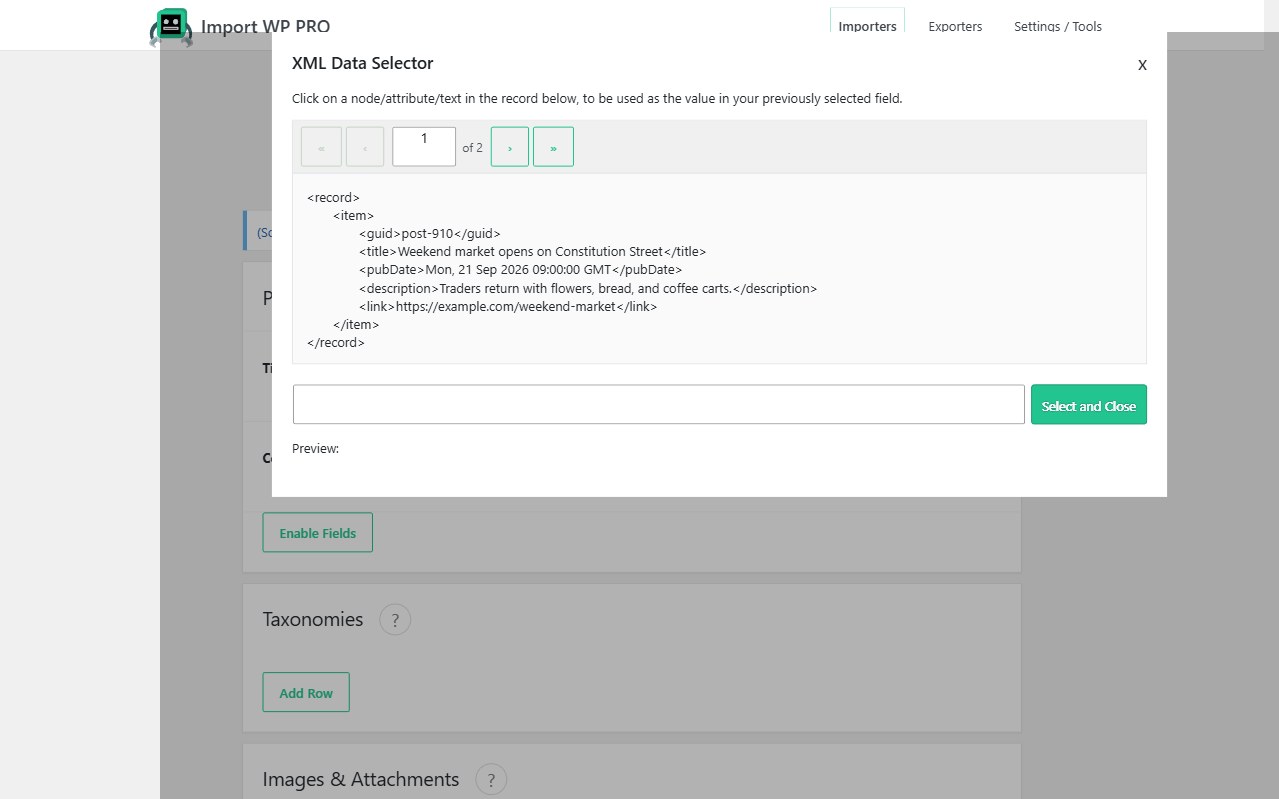
RSS is XML. Import WP maps item (or entry) nodes onto WordPress posts with the visual selector — title, content, excerpt, date, author, and featured image URL — then uses the feed GUID or link as a unique key so a re-fetch updates instead of duplicating.
Posts, pages, categories, tags, and images are free. Routing syndication into a custom post type, writing custom fields / ACF, and running on a schedule are Import WP Pro. JetEngine and Pods are Pro add-ons. There is no separate “RSS plugin”; you point the XML importer at the feed URL.
Import an XML RSS feed into WordPress posts
Create a Posts importer. Set the XML base path to each item. Map title, content (description or content:encoded), date, and slug. Unique identifier: GUID or canonical link.
Categories and tags can be created from feed categories. Featured images from enclosure or media URLs use the remote image path.
Parser (namespaces, nested XML, remote URL): CSV, XML, and Excel. How to add the importer: Selecting a file.
Schedule RSS import into WordPress (Pro)
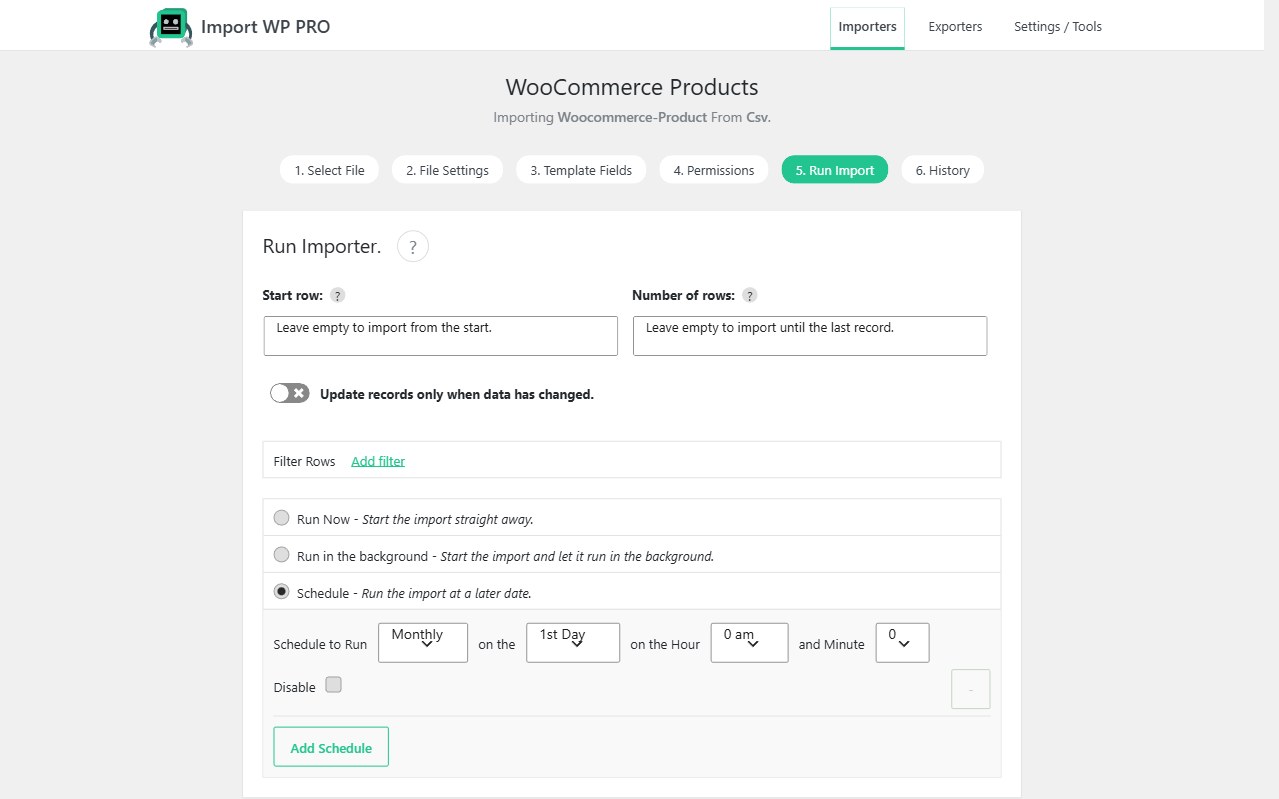
Save the mapping, leave the source as the live feed URL, and run hourly or daily with scheduled imports. Skip unchanged GUIDs so you only insert new items.
Status (draft vs publish) comes from the field you map — not from a feed-reader default. Map post_status or set a constant if every item should land as a draft for editorial review.
Convert an RSS feed into a custom post type (Pro)
News, resources, or “aggregated stories” CPTs use the same XML mapping on a CPT template. Custom fields for source URL, original author, and canonical link are Pro (or ACF in Pro). Events-style feeds: sync events from XML.
Filter out items you do not want (empty titles, certain categories): Filter records.