
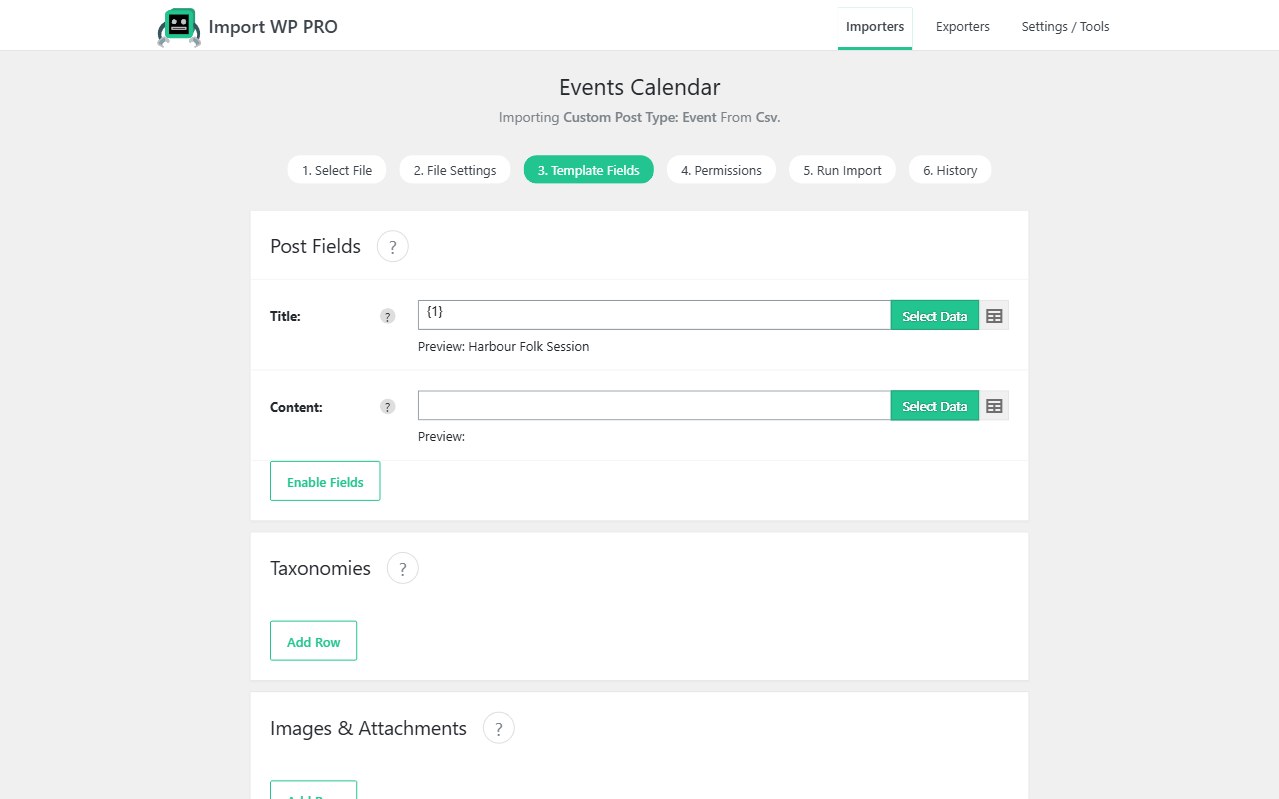
Event calendars go stale the moment someone edits a spreadsheet off-site. Import WP maps an events CSV or XML onto a registered events custom post type, attaches venues and organisers as taxonomies or related posts, and uses a stable event ID so the next feed updates times instead of duplicating gigs.
There is no dedicated The Events Calendar add-on. If your calendar plugin registers a CPT and stores dates as post meta, Import WP Pro maps those keys like any other custom fields. Core posts (a simple “what’s on” blog) work in the free plugin. CPTs, custom fields, ACF, and cron are Pro. JetEngine/Pods event types need their Pro add-ons.
Import events from CSV into WordPress
Create an importer aimed at your events CPT (Pro). Map title, content, start/end (whatever meta keys the calendar uses), ticket URL, and status. Unique identifier: the feed’s event ID or a slug you control — not the WordPress ID.
Ticket links and prices are custom fields or ACF. ACF date/time and link fields are included in Pro: ACF importer.
If events are ordinary posts, the free Posts template is enough for title, content, and categories. The moment you need tribe_events-style post types or event meta, that is Pro.
Destination: import custom post types and taxonomies. Parser: CSV, XML, and Excel.
Sync an event XML feed on a schedule
Venue networks and ticketing platforms often drop XML. Pick an XML base path per event, map nodes, save the importer, and fetch the URL on WP-Cron or server cron (Pro). Skip unchanged rows so a weekly dump does not rewrite every listing.
RSS-style “what’s on” syndication into posts is the XML/RSS use case.
Bulk import venues and organisers
Two patterns:
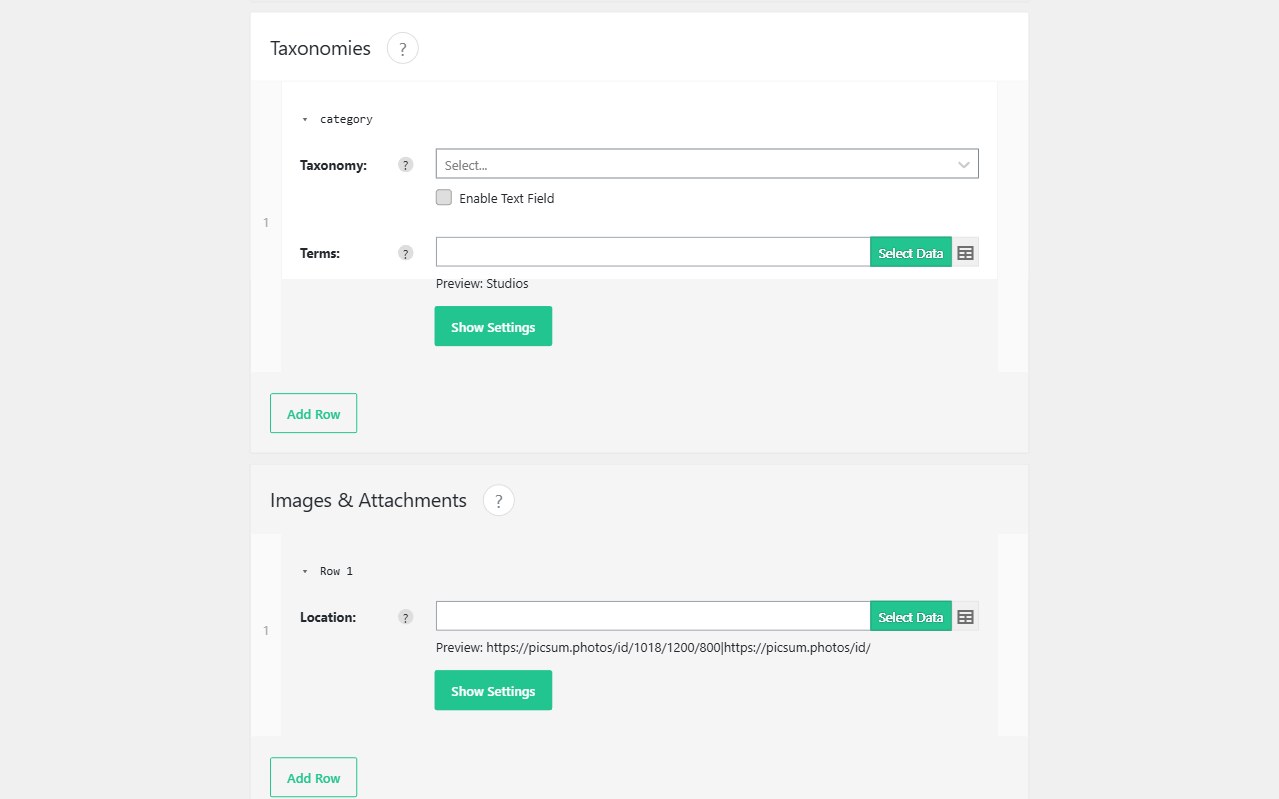
- Taxonomies — venue and organiser as hierarchical terms attached on the event row (Pro custom taxonomies), created during the import if they do not exist.
- Related CPTs — import venues first as their own post type, then map a relationship or post object (ACF in Pro) from the event row by slug or ID.
Images for posters and venue photos: remote image import.