
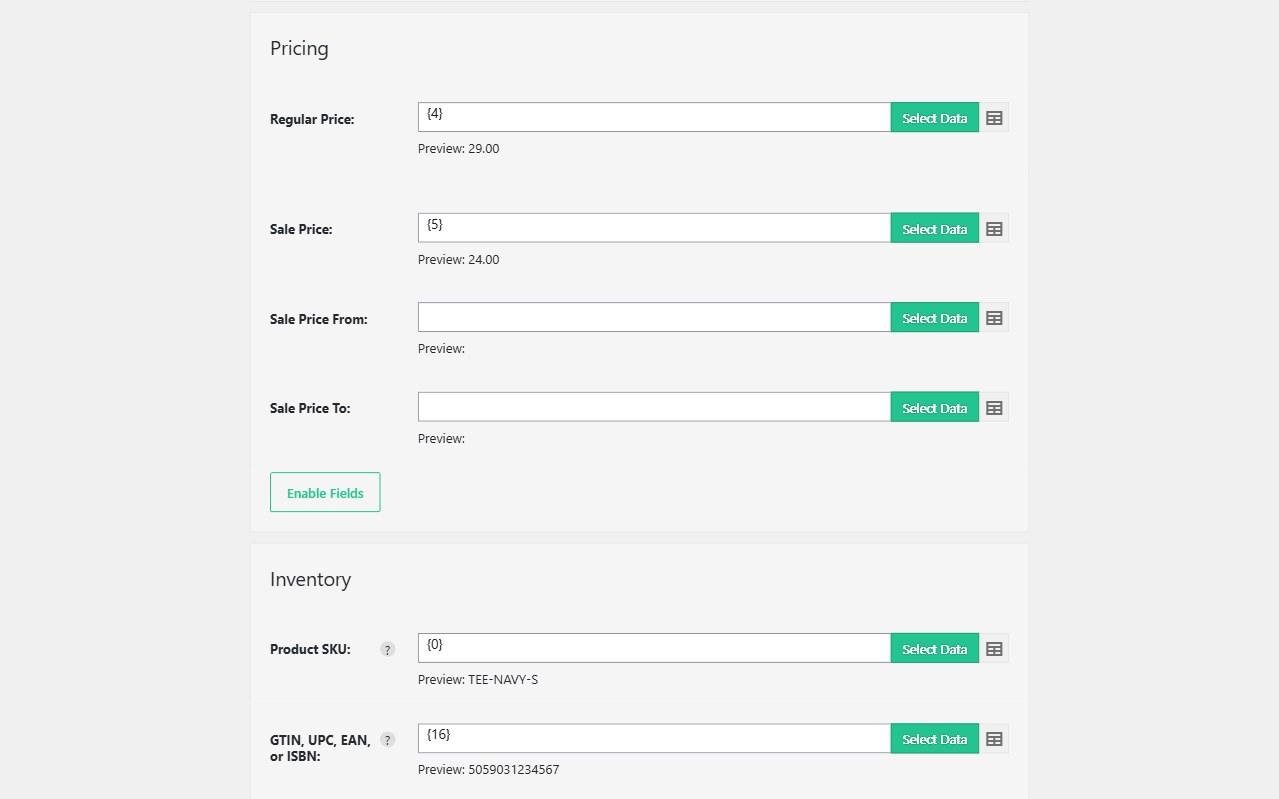
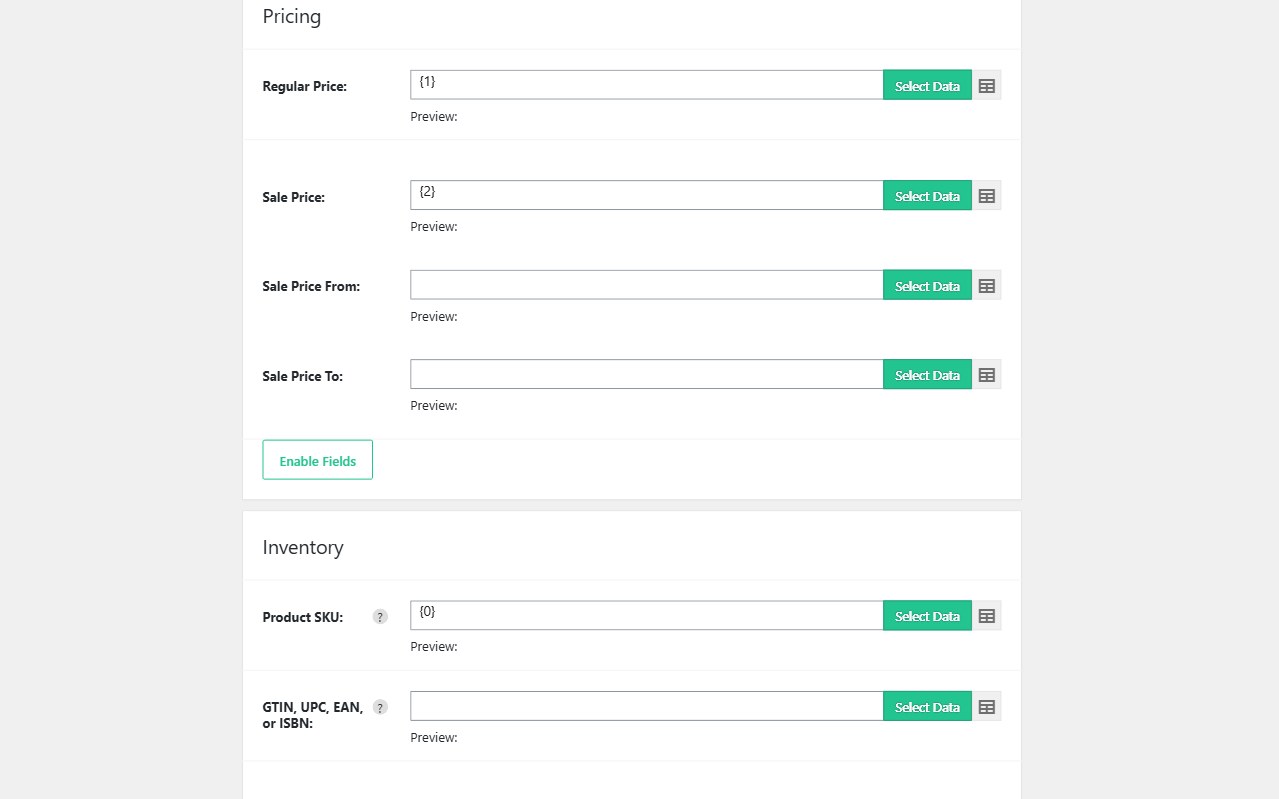
A full product re-import is the wrong tool for a nightly price file. Map SKU plus regular price, sale price, and stock — leave title and description unmapped — and Import WP updates inventory without rewriting the catalogue copy.
WooCommerce add-on is free for that mapping. Scheduled supplier or multi-currency XML feeds are Import WP Pro cron. Custom fields and ACF on products are Pro. JetEngine and Pods are Pro add-ons.
Bulk change WooCommerce prices from a CSV feed
Create a WooCommerce Products importer. Unique identifier: SKU. Map only the price columns you want to write (regular, sale, schedule dates if you use them). Unmapped fields stay as they are on the product.
That is how you bulk change WooCommerce sale prices from a finance export without touching galleries. Variations: each variation needs its own SKU; see product variations.
See also: WooCommerce stock and price sync. Docs: Import product stock and inventory, Import product pricing.
Sync a WooCommerce price XML feed on a schedule
Point the saved importer at the supplier URL or FTP file and run hourly or daily (Pro). Skip unchanged rows so a 20,000-SKU file only writes prices that moved — less post_modified noise, fewer cache invalidations.
Excel from the pricing team: XLSX reader. Nested XML: WooCommerce XML product feed. Parser: CSV, XML, and Excel.
Multi-currency plugins that store extra price meta: those keys are custom fields (Pro) unless the plugin uses native WooCommerce price fields you already mapped.
Update stock without rewriting product content
Map stock quantity, stock status, and manage-stock flags the same way — SKU match, everything else unmapped. External / affiliate products do not hold stock; filter those rows out. Guide: Filter records.